
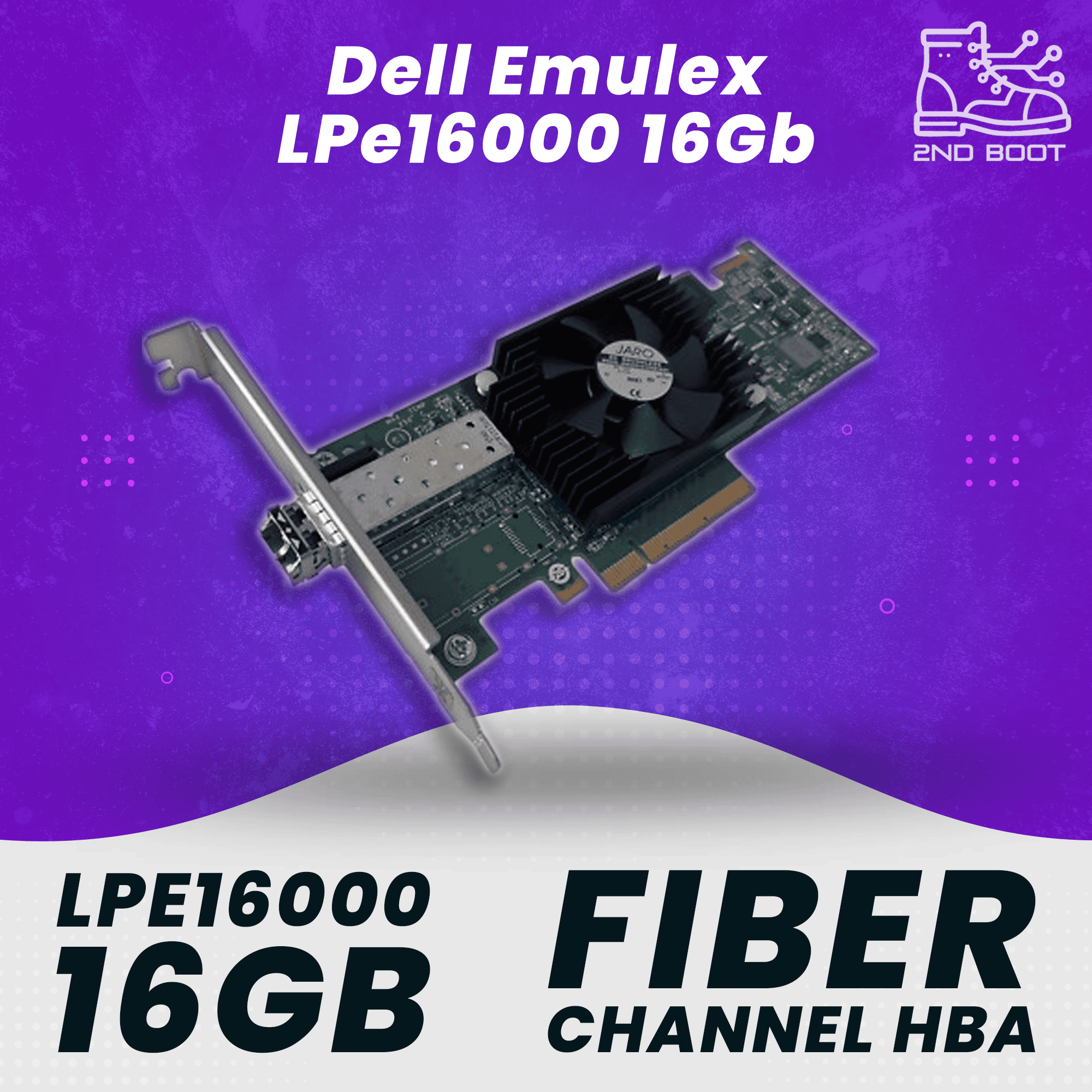
What You Can Do With the Dell Emulex LPe16000Enterprise & SANConnect Dell PowerEdge R620/R630/R720/R730/R820/R830 to 16Gb FC fabricBoot-from-SAN with VMware vSphere, Windows Server, or RHELAttach to Brocade 6505/6510 or Cisco MDS 9148S switchesBackward compatible with existing 4Gb and 8Gb FC infrastructureHomelab & LabBuild a cheap 16GFC homelab SAN with used Brocade 6505 switchesPoint-to-point link between ESXi host and an EMC, NetApp, or 3PAR arrayStudy lab for VCP, VMCE, or storage admin certificationsDedicated Veeam or Commvault FC backup fabric, off the production LANHow It InstallsThe card is a standard full-height, half-length PCIe 2.0 x8 adapter that seats in any x8 or larger slot (x8 electrical, x16 mechanical works fine). Plug in a 16Gb shortwave SFP transceiver (sold separately), attach an LC-LC fiber patch, and zone the WWPN on your FC switch. VMware ESXi, Windows Server, and modern Linux distributions detect the HBA on boot. Firmware and the Emulex HBA Manager (OneCommand) utility are available from Broadcom for BIOS updates and boot-from-SAN configuration.Ideal ForDell PowerEdge R510, R520, R530, R620, R630, R720, R730, R820, R830 serversDell PowerVault NX3200 and compatible storage chassisHPE ProLiant, Supermicro, and whitebox servers with a free PCIe x8 slotVMware vSphere, Windows Server, RHEL, SLES, Citrix XenServer hostsHomelab SAN builds running Brocade 6505 / 6510 fabric switchesWhat’s Included✓1x Dell Emulex LPe16000 16Gb FC HBA (Dell PN 61M2K / OEM LPE16000-M3)✓Full-height PCIe bracket (pre-installed)✓Factory-sealed anti-static packaging✓30-day money-back guaranteeSFP transceiver, fiber patch cable, and low-profile bracket are not included.


