
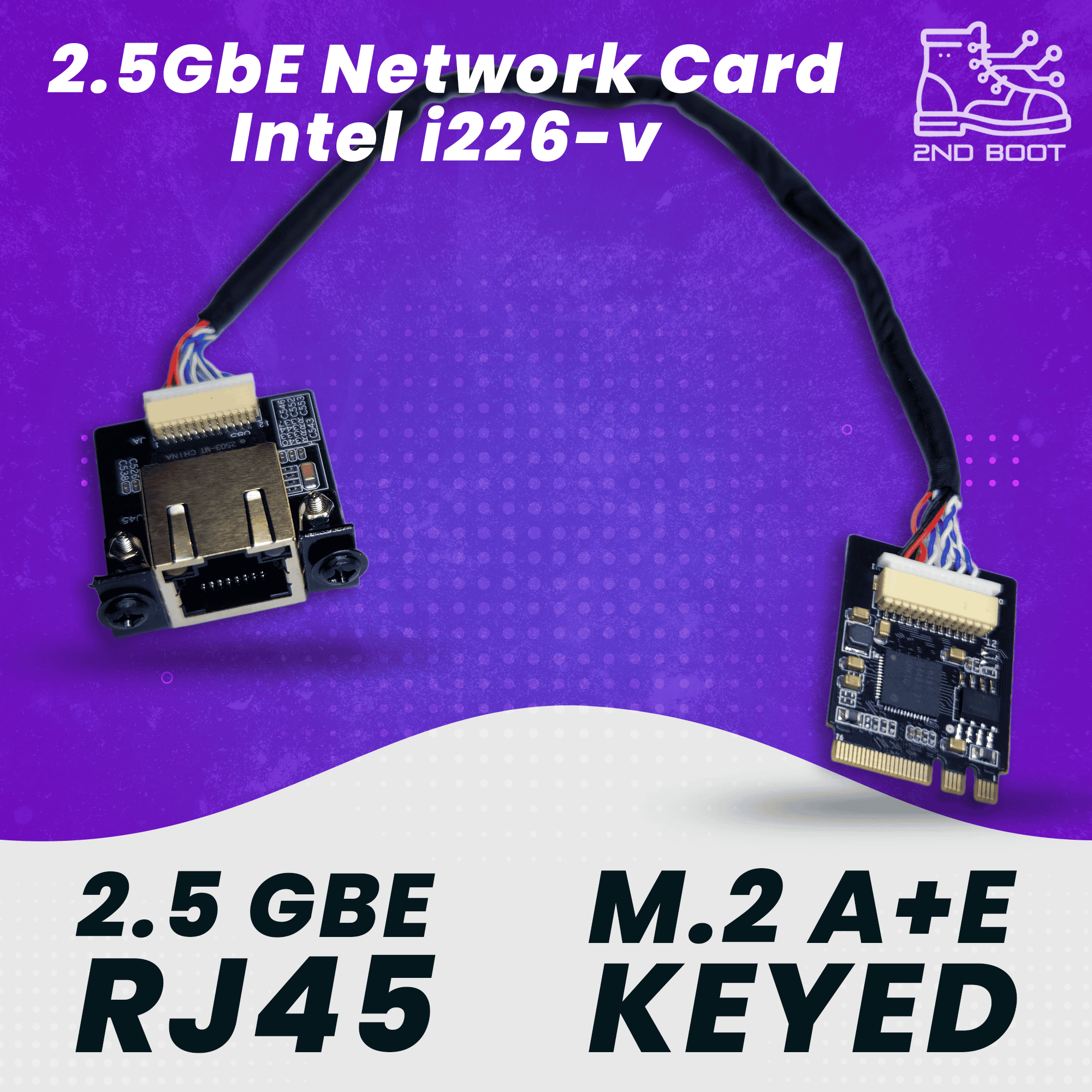
What You Can Do With the M.2 2.5GbE Network CardHomelab & NASMax out your NAS transfer speeds to a Synology or TrueNAS with 2.5GbE portsGive your Proxmox node a 2.5GbE interface without consuming a USB portConnect a mini PC to a 2.5GbE switch and finally saturate your NVMe SSD over the networkRun as a dedicated NIC for a Docker host or Home Assistant VMFirewall & RoutingAdd a WAN interface to a pfSense or OPNsense mini PC firewallWorks out of the box on FreeBSD and Linux — no extra packages neededReplace a USB dongle NIC that drops under heavy routing loadClean internal install — no dangling cables, no occupied USB portsWhy Intel I226-VThe go-to 2.5GbE chip for mini PCs. Works out of the box on Windows, Linux, pfSense, and OPNsense — no driver hunting, no compatibility surprises. It’s what we use in our own homelab builds.How It InstallsPop open your mini PC, slide the card into the empty M.2 WiFi slot, and route the included RJ45 jack to the rear of the case. Linux detects it automatically on boot. On Windows, install the included driver package through Device Manager.Ideal ForDell OptiPlex 3060/3070/3080/3090 MicroLenovo ThinkCentre M710q/M715q/M720q/M920q TinyOther mini PCs and SFF systems with an open A E key M.2 slot (may need a custom mounting config for the RJ45 jack)pfSense, OPNsense, Proxmox, and TrueNAS buildsAnyone with a 2.5GbE switch or NAS that wants their mini PC to keep upWhat’s Included✓1x 2.5GbE M.2 2230 A E key network card (Intel I226-V)✓1x 6 inch pigtail cable✓1x panel-mountable RJ45 port✓Intel OEM driver package


